

nReport.
From property details to a PDF report.
nReport connects property data entry, user accounts and report generation. React and TypeScript handle the interface, Supabase handles authentication and data, and a separate API processes report requests.
- OUR ROLE
- Design and development
- TECHNICAL FOUNDATION
- React + Supabase
- TECHNOLOGIES
- React
- TypeScript
- Supabase
- API integrations
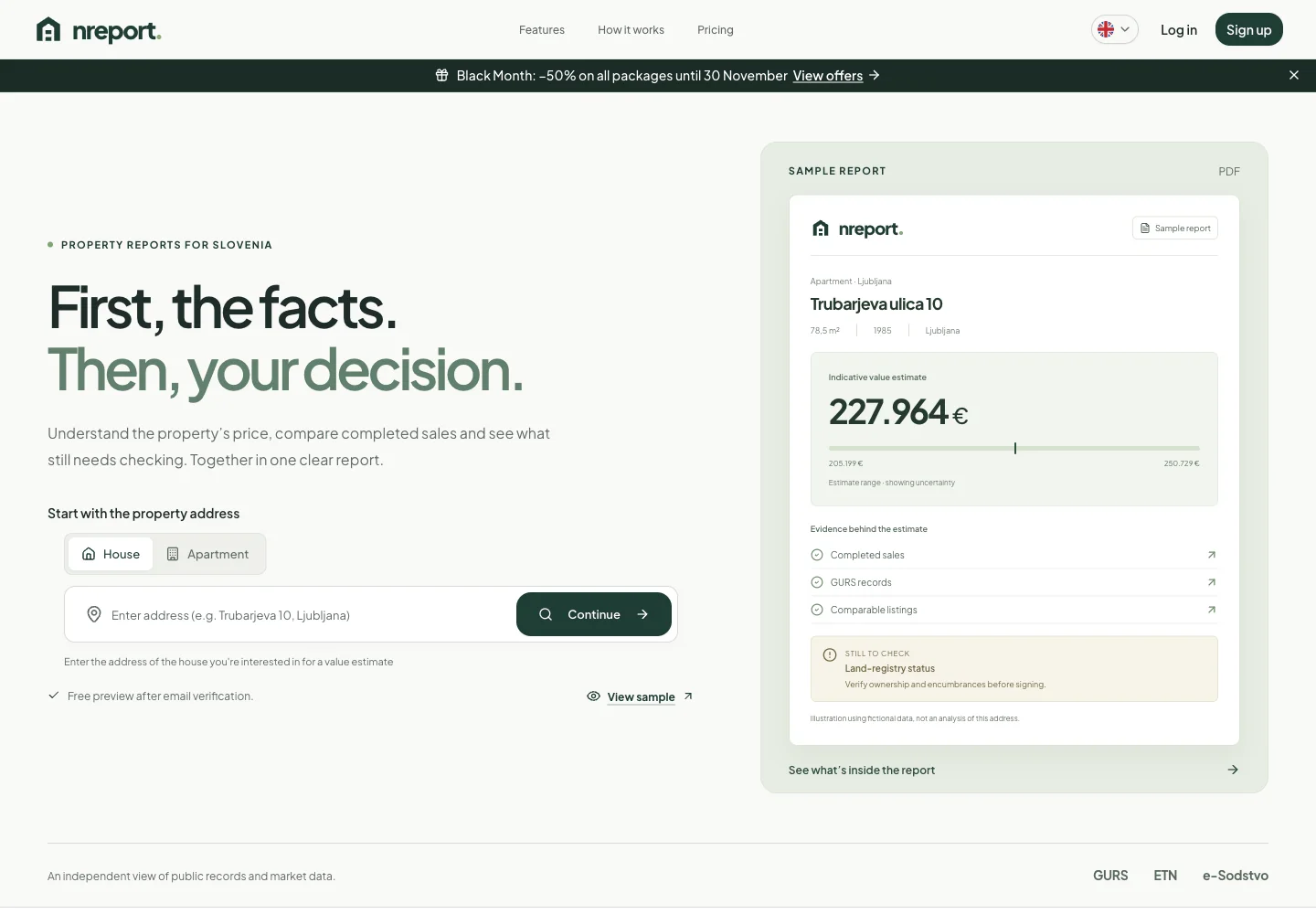
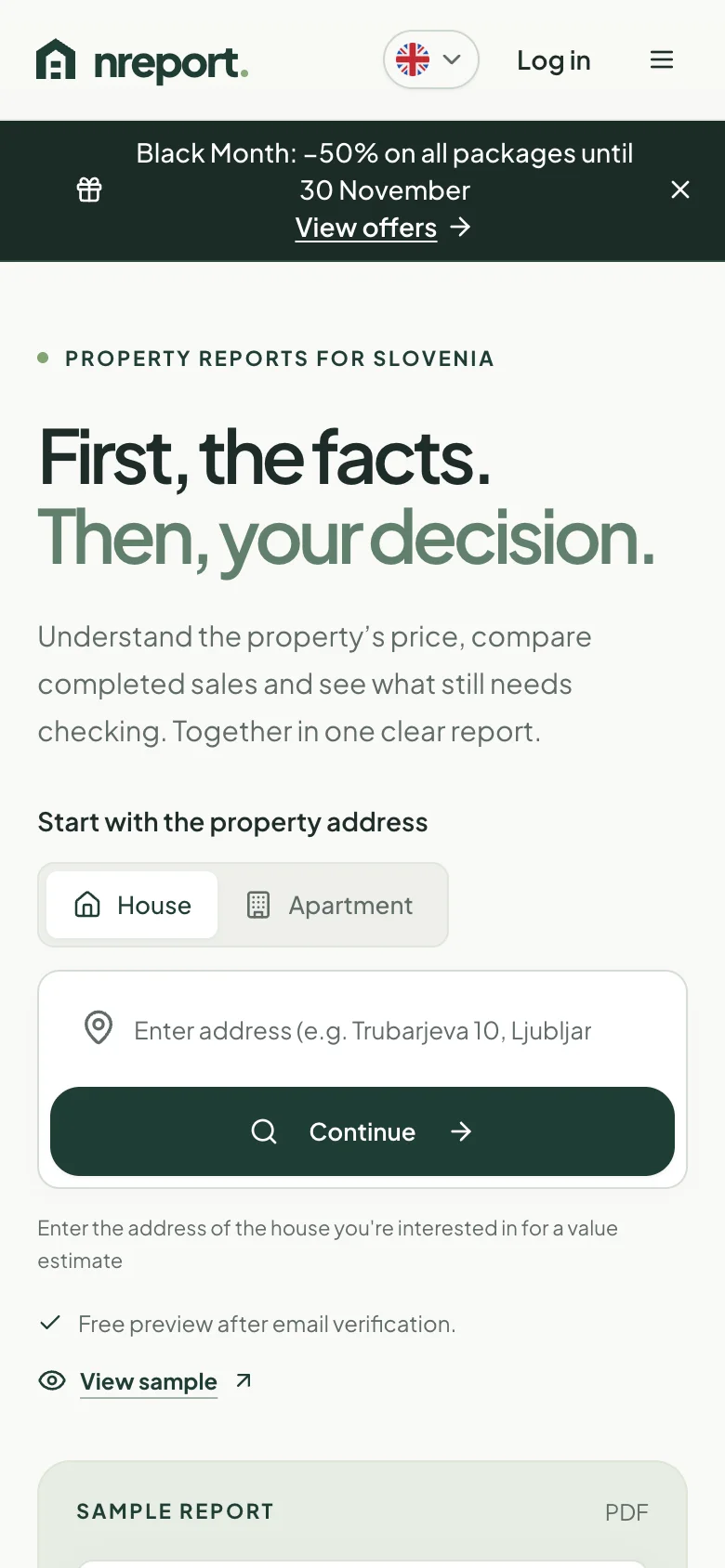
nReport,
on your screen.
A React application with a Supabase backend and an API integration for property reports.
nreport.aiHow the solution is built.
The key components and what they do.
- 01React + TypeScript
User interface
Property data entry, user accounts and report overview.
- 02Supabase
Data and access
User authentication, data storage and server functions.
- 03API + PDF
Report generation
Connecting the request with report processing and the final document.
From request to report.
The interface, data and report processing are separate. Requests enter a queue, generation runs in the background, and the customer follows progress until the document is available.
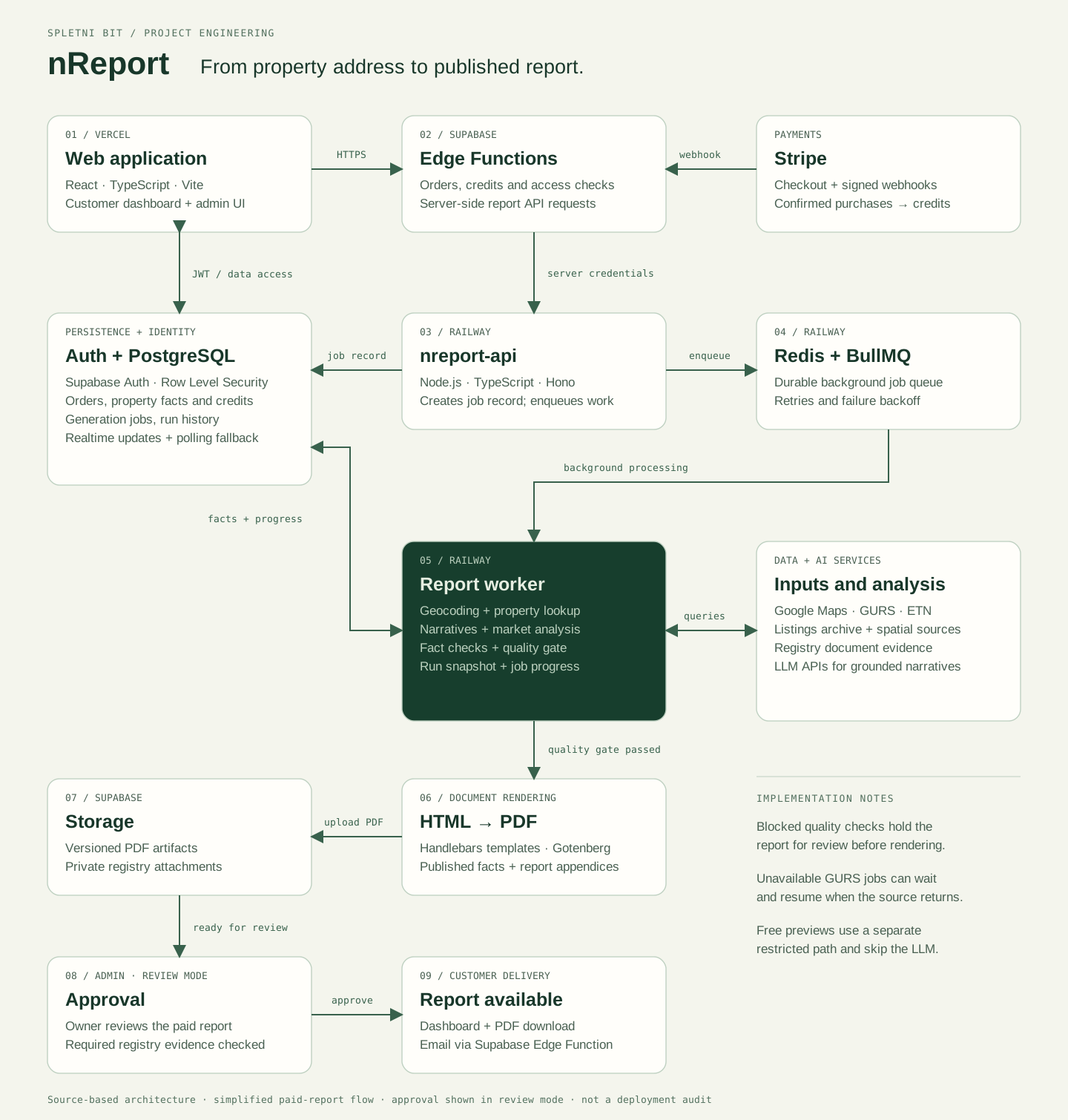
- 01 / React · TypeScript · Vite / Vercel
Web application
The interface guides the customer from entering a property to ordering, following progress and downloading the report.
- 02 / Supabase Edge Functions
Edge Functions
Handle orders and credits, check access rights and prepare the server-side request for report generation.
- 03 / Node.js · TypeScript · Hono / Railway
Report API
The API creates a job record in the database and adds it to the processing queue.
- 04 / Redis · BullMQ / Railway
Job queue
A durable queue separates accepting a request from processing it. Failures can be retried with a delay.
- 05 / Worker / Railway
Background processing
The worker retrieves property data, generates grounded AI narratives and market analysis, checks facts and quality, and records progress.
- 06 / Handlebars · Gotenberg
Document generation
After the quality checks pass, verified facts and appendices are assembled as HTML and converted to PDF.
- 07 / Supabase Storage
Document storage
Storage separates versioned report PDFs from private registry evidence.
- 08 / Paid report / review mode
Owner review
In review mode, the first delivery of a paid report waits for approval and checks of the required land-registry evidence.
- 09 / Dashboard · PDF · email
Report access
After approval, the report is available to the customer. An Edge Function handles email delivery.
A separate job queue enables background processing, while live status updates connect the process back to the customer interface.
Identity, data and progress
Supabase Auth and PostgreSQL with Row Level Security store orders, credits, property facts and generation history. Realtime sends changes to the interface; periodic polling provides a fallback.
Payments and credits
Stripe sends a signed webhook to an Edge Function. The confirmed purchase is recorded in the credit system.
Data sources and AI
Processing combines Google Maps, GURS, ETN, the listings archive, spatial sources and registry evidence. LLM APIs generate narratives that the system validates against the underlying facts.
A simplified source-level overview of a paid report in review mode. Failed quality checks hold generation for review. During a GURS outage, a job can wait and resume when the source recovers; free previews follow a restricted flow without an LLM.
The interface in practice.
A public sample report and package selection before ordering.
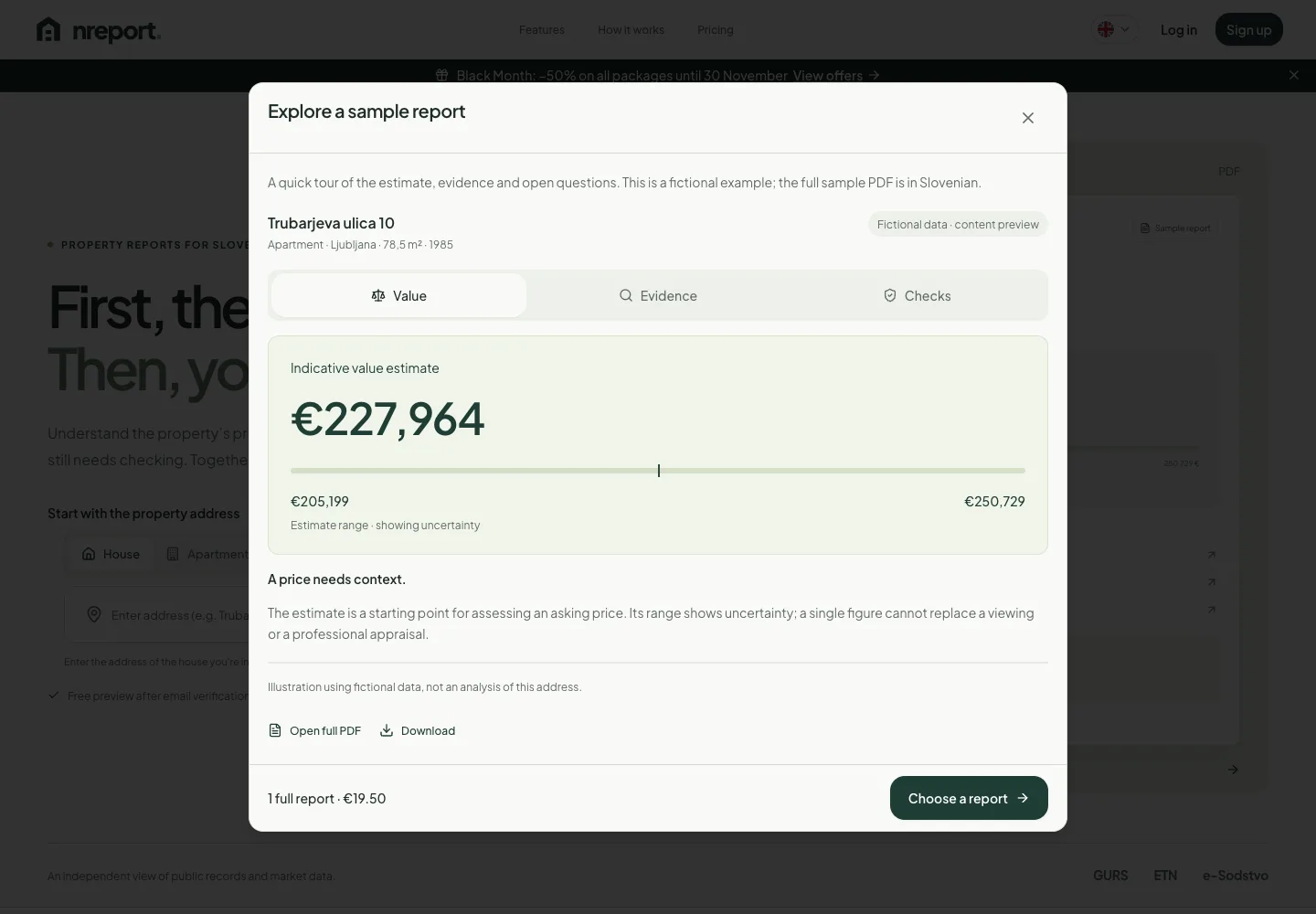
Sample report explorer.
An interactive public example with fictional data separates the estimate, evidence and open questions.
The interface organises the estimate, evidence and open questions into sections. Tabs switch the content within the same readable dialog.
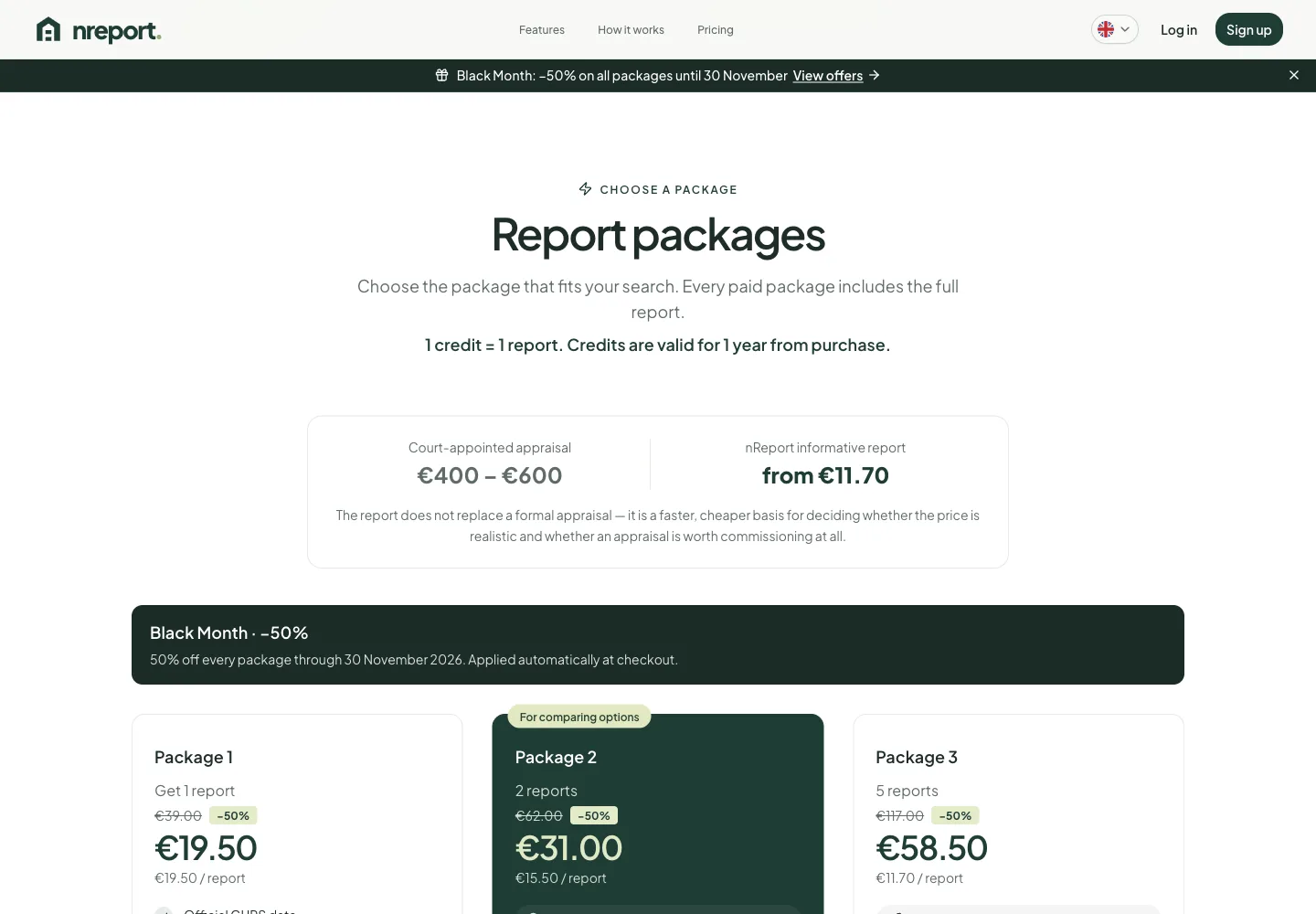
Packages and credits.
Package comparison provides a starting point for ordering a report.
Package selection is part of a flow connected to the credit system and Stripe payments. Pricing is presented separately from report processing and document generation.
Additional project views: November 2026.
Design and development
- Data entry and validation
- User accounts
- Report API integration
- PDF preview and download
Project capture: November 2026.
User journey and data
The React interface breaks ordering a report into steps, from entering property details to viewing the result. TypeScript connects forms and data structures, while Supabase provides the foundation for user accounts and data access.
Report processing integration
Server functions connect the application with a separate report generation API. The interface shows processing status, keeping request submission and the availability of the final document as distinct steps.
The report as the final output
Users can view and download the result as a PDF. The presentation distinguishes an indicative estimate, uncertainty range and source data, and explains the difference between a report and a formal valuation.